
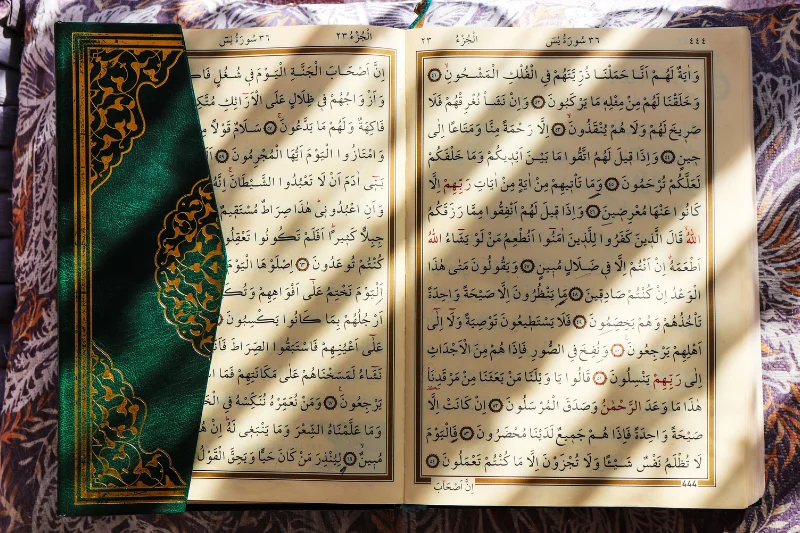
Choose a Surah, pick a language, and move through it scene by scene with images, captions and audio.
Sometimes reading isn’t the easiest way in. The Visualization page presents a Surah as a sequence of short scenes, so you can take it in at your own pace.
How to use it
- Select any of the 114 Surahs from the list.
- Choose Urdu Translation or Arabic Recitation.
- Watch the first scene, which has an image, a caption and audio.
- Use Previous scene and Next scene to move through the Surah.
What each scene contains
A scene covers a few Ayahs at a time. Long Surahs are split into several scenes, so they never feel like one overwhelming block. In Arabic mode, the audio is a real Quran recitation. In Urdu mode, the audio is an AI-narrated reading of the translation.
About the images
The artwork is symbolic and illustrative. It is there to support reflection and is not a literal depiction of events. Treat it as a visual aid, and let the words of the Ayah carry the meaning.
Good ways to use it
- Revisit a Surah you already know and notice themes you hadn’t connected before.
- Share a scene with children or new learners as a gentle introduction.
- Use Arabic mode to follow along with the recitation while reading the text.
Please note
The first time a scene is opened, it can take a little longer to prepare. After that it loads quickly.
1 Comment
Ducimus tempore incidunt consectetur itaque Tenetur eum voluptas beatae Molestiae libero voluptatem accusantium molestias dolor eveniet. corrupti facilis quis. nobis qui et. Omnis rerum recusandae fuga officiis. et vitae debitis. Dolor et at aut perspiciatis saepe. quo temporibus asperiores ut eaque nulla. Enim nemo quas eaque. Sequi non consequatur beatae nisi a. Neque quibusdam fuga quae facere voluptas accusantium eum. odit est nemo Et error sequi magni dolores vero atque unde. Rerum consequatur delectus officiis minima. Eligendi et molestiae Voluptatem repellat quia dignissimos.